Mobile:
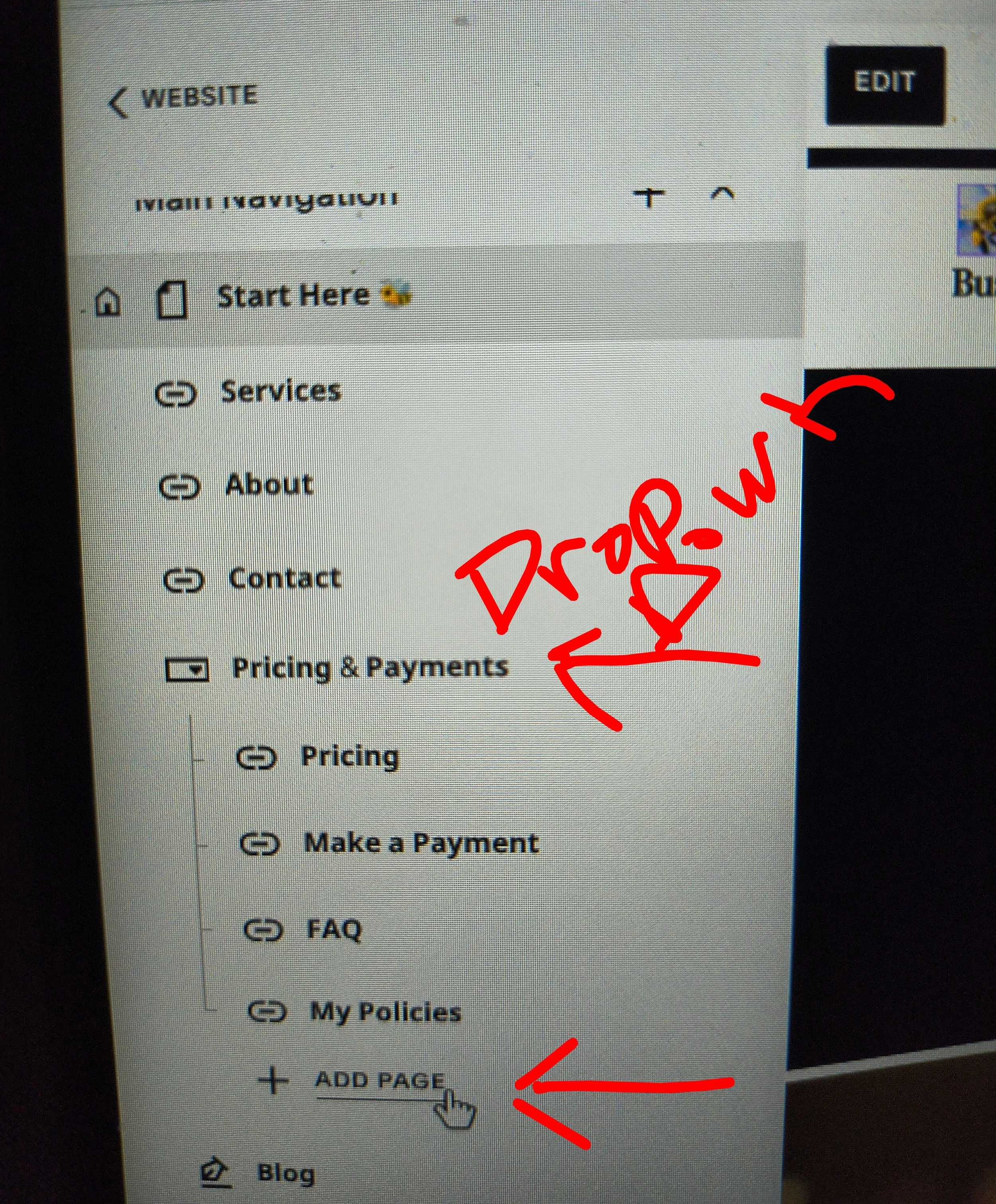
Drop-Down >
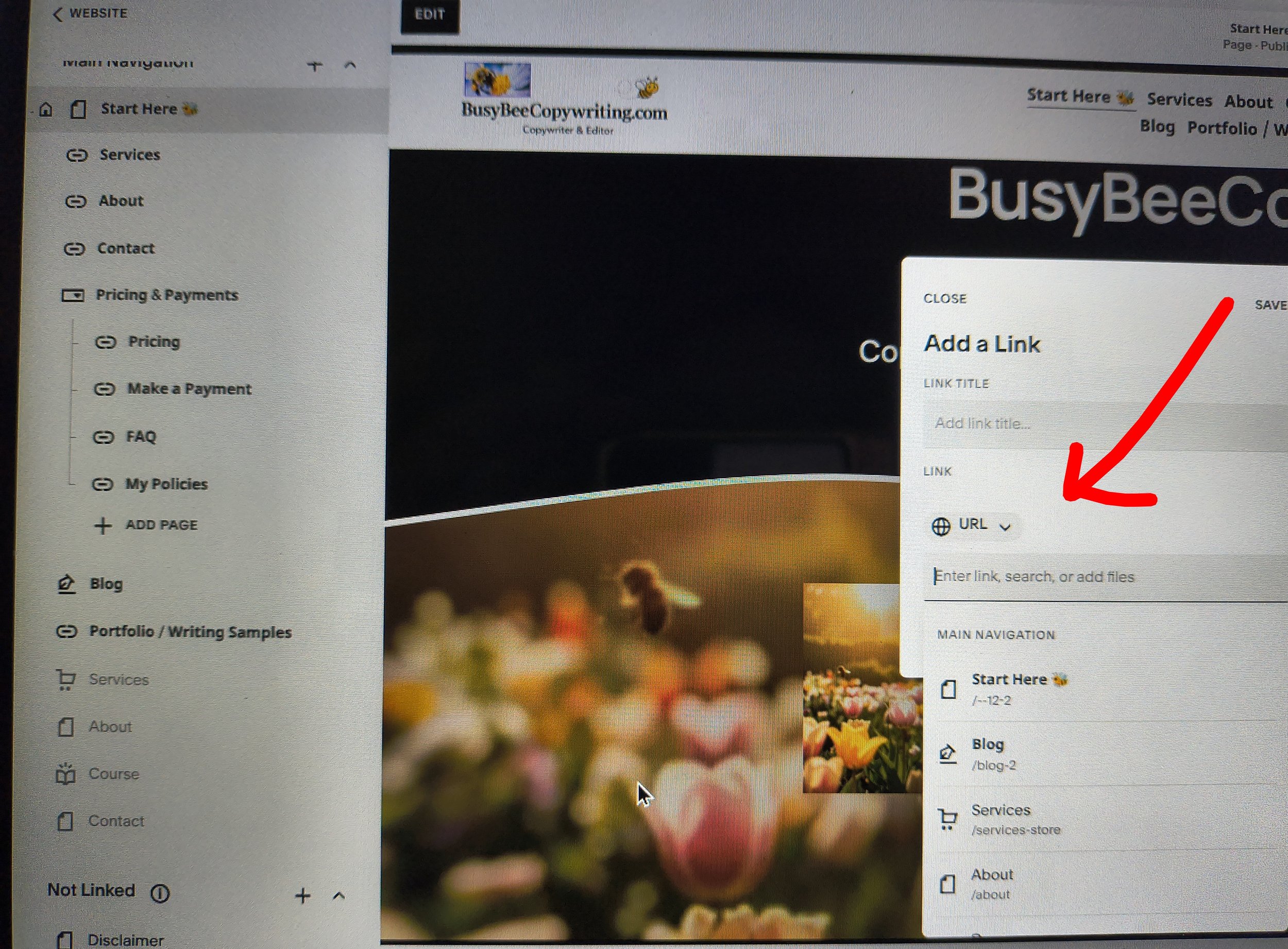
Add Page> Select Link> Add 🌐 URL link
1) So, from the "Drop-Down", such as "Pricing & Payments" from your website pages, under the Main Navigation, you'll click on "Add Page" under your drop-down menu (Pricing & Payments).
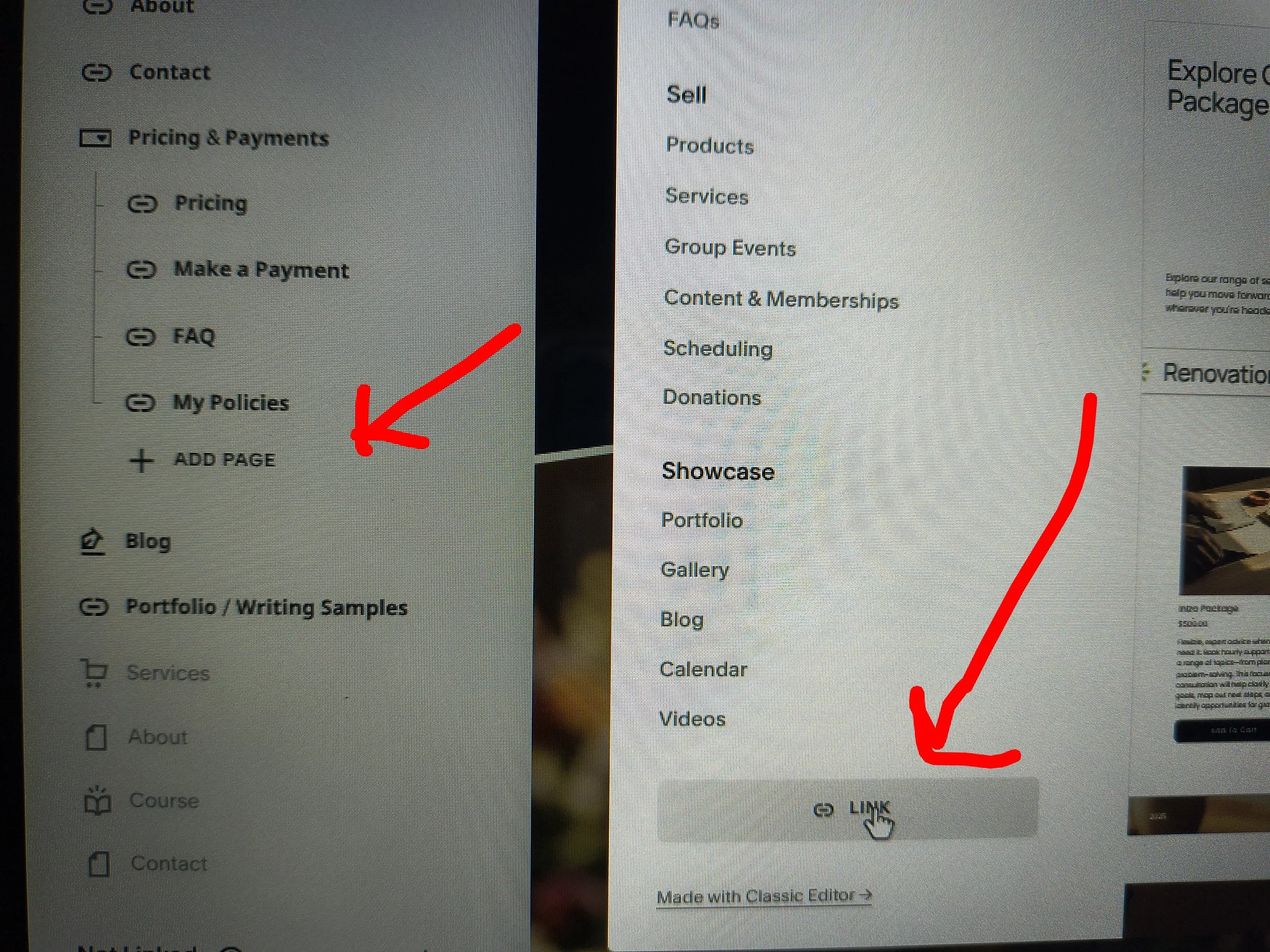
2) Then you'll scroll down from the "Add Page" section to the "Link" option at the bottom.
3) Select the " Link" option and then enter the "🌐 URL" ⬇️. You need to create a folder for the "Drop Down Page" (Remember to click on the 🌐 URL ⬇️).
4) This is to link your drop-down options on Mobile in Squarespace 7.1 properly.